
Stack Trace

A stack trace is one of the few debugging tools that shows up whether you planned for it or not. It appears in local runs, test failures, CI logs, and production error reports. Most developers learn to recognize its shape early, but reading it well takes longer.
That is partly because a stack trace looks more complicated than it is. Beneath the file paths and method names, it is just a record of how execution reached the point where something failed. Once you start treating it that way, the trace becomes less noisy and more useful.
What Is a Stack Trace?
A stack trace is a snapshot of the call stack at the time an exception or error occurs. It lists the sequence of function calls, method invocations, or runtime frames that were active right before the failure surfaced. In plain terms, it shows what the program was doing and which execution path led to the problem.
That matters because the code that crashes is not always the code that caused the bug. A bad value might be created in one place, passed through two or three layers, and only rejected later by validation, parsing, or type checks. The stack trace helps you separate the location where the program noticed the problem from the location where the incorrect state first entered the system.
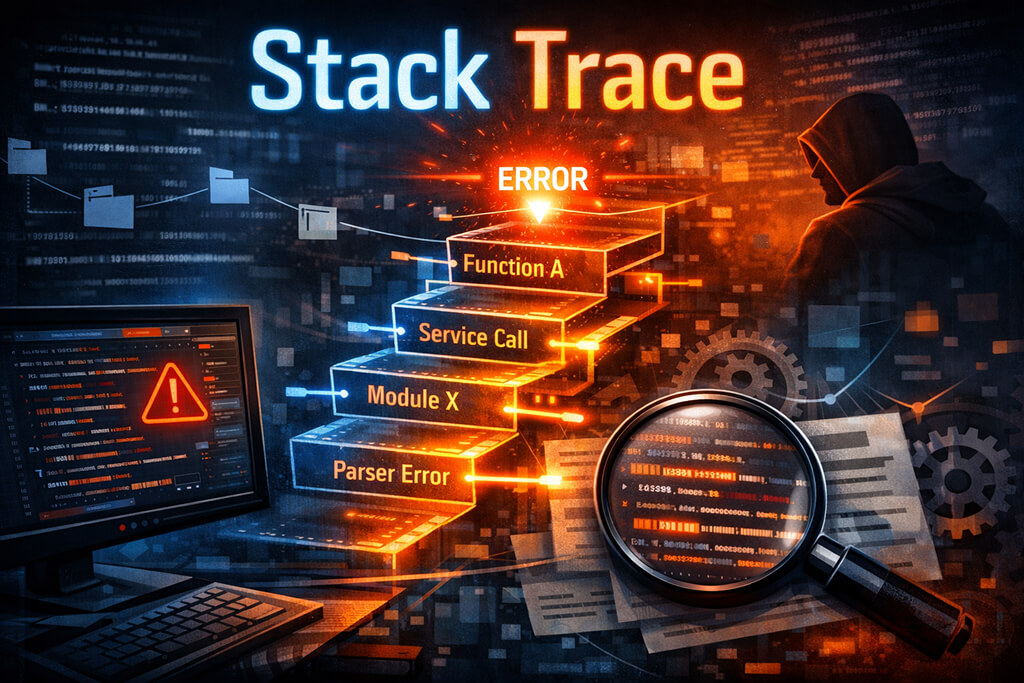
Different runtimes print traces differently. A Java stack trace usually starts with the exception type and message, then shows a chain of classes, methods, source files, and line numbers. A Python stack trace, often called a traceback, typically shows file paths, exact line numbers, and the exception at the end. The formatting changes, but the purpose is the same. It gives you a map of the active execution path at the moment of failure.
How to Read a Stack Trace
The easiest way to get lost is to treat every line as equally important. Most traces include framework code, library internals, middleware, and wrappers. Useful later, not first. When you read stack trace output, start with the error itself and the first frame in code you own.
Begin with the exception type and message. A NullPointerException, KeyError, TypeError, or parsing error tells you what assumption failed. Then find the first frame from your application rather than a framework package. That is usually where the problem becomes visible. From there, follow the caller chain and check which data was entered into each function.
A simple example makes the point. An API handler calls a service, which in turn calls a mapper, which builds a timestamp string for a parser. The parser throws an exception because the format is wrong. If you stop there, you may end up fixing the wrong layer. The parser rejected the bad value. The mapper created it.
Java traces often include nested exceptions under the Caused by: header. Those sections are easy to miss and often contain the real issue, such as bad SQL or a timeout. With Python, the trace is usually more direct, but the same approach works: read the final exception, then trace back through the earlier frames.
Common Stack Trace Errors and What They Mean
Some errors appear often enough that teams start recognizing them on sight. That can be helpful, but it also leads to lazy debugging. The same exception name can come from several very different failures depending on the data and the call path.
- Null reference errors – Usually mean code expected an object to exist, but it didn’t. The underlying problem may be bad initialization, a missing dependency, or an API response that returned less data than expected.
- Index or key errors – These usually point to incorrect assumptions about collection contents. The real issue might be empty input, schema drift, or code that reads stale state after another operation has changed the data.
- Type errors – Common around JSON parsing, dynamic payloads, and module boundaries with weak contracts. The trace tells you where the mismatch surfaced, not always where the wrong type first appeared.
- Stack overflow or recursion errors – Often caused by unbounded recursion, circular call paths, or retry logic that accidentally re-enters the same failing branch.
The exception label is only the beginning. A null reference in a controller might appear to be a request validation issue, but tracing backward may reveal that the object was never created because dependency injection failed during startup. A key lookup error in a cache layer may turn out to be an upstream contract change. This is why stack traces work best alongside logs, request payloads, and deploy context. The trace shows where execution went. You still need surrounding evidence to explain why it went there with bad state.
In production, traces are even more useful when paired with observability tooling. A single stack trace can help with a local bug. Hundreds of traces across services help identify patterns: one bad deploy, one flaky dependency, one noisy endpoint, or one class of failures hiding behind different requests. That is where reading traces stops being a personal debugging skill and becomes part of normal incident work.
Final Thoughts
A stack trace is not a diagnosis, but it is usually the quickest honest record of what the program was doing when it failed. Once you learn how to read it without getting distracted by noise, debugging becomes less random and a lot more grounded.
FAQs
1. How do you read a Java stack trace to find the root cause?
Start with the exception type and message, then scan for the first frame in your own code. After that, look closely at any Caused by: sections because Java applications often wrap lower-level exceptions. The deepest meaningful cause is usually more useful than the top-level error that first appears in logs.
2. Can a stack trace appear in production without crashing the app?
Yes. A service can catch an exception, log the trace, return an error for one request, and keep running. Background jobs, message consumers, and scheduled tasks often behave this way, too. A production stack trace usually indicates that something failed along one execution path, not necessarily that the whole process died.
3. How do observability tools use stack traces to speed up debugging?
They group similar failures, attach traces to logs and spans, and make recurring call paths easier to compare across hosts or deploys. That helps engineers determine whether they are dealing with a single repeated fault or several unrelated ones. The trace becomes more useful once it has timing, request context, and release metadata.