
Incident Logging

Most teams already do some form of incident logging, even if they do not call it that. A Slack thread starts, someone pastes an error, another person adds a timeline note, and eventually the useful details are scattered across five tools and two time zones. That works until it doesn’t. Once an incident gets messy, the difference between vague updates and a usable log becomes very obvious. Good incident logging is not clerical work. It is part of the response process itself.
What Is Incident Logging?
Incident logging is the ongoing recording of events related to operational issues, security incidents, service outages, or internal production failures. It captures the timeline, observed symptoms, actions taken, and the current state of the investigation while the incident is still active. That timing matters. A log is most useful when it is built as the work happens, not reconstructed later from memory.
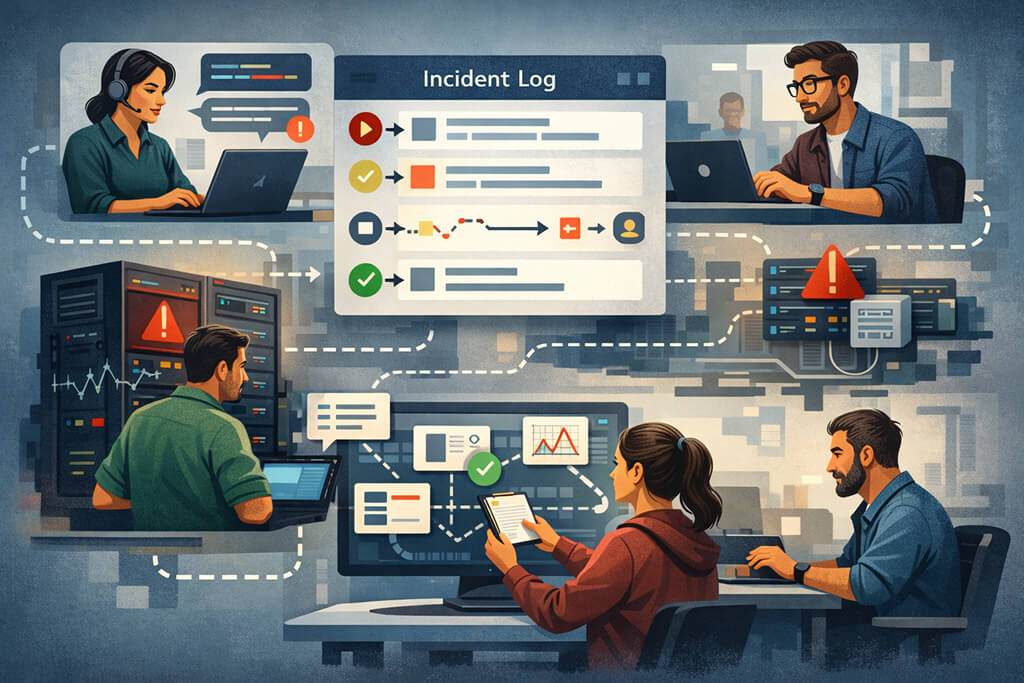
In software teams, the incident log usually becomes the shared source of truth during a problem. It tells responders when the first symptom appeared, who noticed it, which systems were affected, what changed recently, what mitigations were attempted, and what the service looked like after each step. Without that record, people tend to repeat work, misread earlier assumptions as facts, or lose track of whether a rollback, restart, or config change actually helped.
A proper incident logging system gives structure to that process. It turns a stream of messages into a timeline that others can follow without needing to read every side conversation. That is especially important when an incident outlasts one shift, involves several teams, or needs to be reviewed later by people who were not online during the response.
What a Good Incident Log Should Include
For software teams, the incident log serves as the record of the response. It helps people track what happened first, what changed, what was tried, and the effect of each action. Without that, teams often repeat steps, miss handoffs, or treat early guesses as confirmed facts.
A useful incident log does not need to be heavy, but it should usually include a few basics:
- Time of detection – When the issue was first observed, not just when a major incident channel was opened.
- Impact – Affected users, services, regions, internal workflows, or the overall impact.
- Key actions – Temporary mitigations, failovers, feature flag changes, rollbacks, and restarts.
- State changes – No visible impact, restored traffic, or reduced error rate.
- Ownership and handoffs – Team shifts, and investigation continuity from one team to another.
A proper incident logging system gives structure to all of this. It turns scattered updates into a timeline others can quickly follow, especially when several teams are involved or the incident spans shifts.
Incident Logging Software and Systems
Incident logging software matters less for features and more for usability. If teams have to stop and manually copy updates into a clumsy tool, logging breaks down as soon as the incident gets busy. The system has to stay close to the actual response flow.
That is why many teams build incident log management into the tools they already use. The logging system may reside within an incident platform, a ticketing tool, or an operations console. Useful versions add automatic timestamps, preserve edits, and let responders attach technical context without slowing them down.
Good incident logging software also helps after the incident. A clean timeline makes post-incident review easier and gives teams a more accurate view of what happened, when mitigation began to work, and where communication slipped.
A solid incident logging system should support the pace of real incident response:
- Fast entry creation – Updates should take seconds to add.
- Clear timeline view – Teams should be able to scan events quickly.
- Linked evidence – Logs should connect to dashboards, traces, tickets, and changes.
- Edit visibility – Corrections should stay visible and traceable.
- Review support – The log should still be useful after the incident ends.
Too much structure can hinder adoption. If every update needs tags, categories, and extra fields, people stop logging properly. The better approach is simple: light templates, automatic timestamps, and a clear habit of recording important decisions as they happen.
Final Thoughts
Incident logging does not need to be elaborate to be useful. It just needs to capture the right things while the work is still happening. When teams treat the log as part of incident response rather than paperwork after the fact, it becomes much easier to investigate clearly and review honestly later.
FAQs
1. What is the difference between an incident log and an incident report?
While the incident log captures observations and actions in real time during the incident response, the incident report is usually produced after the fact and summarizes what happened, the cause, how it was resolved, and any follow-up work required.
2. How does incident log management support post-incident reviews?
Incident log management provides review writers with a reliable sequence of events rather than scattered recollections. It helps teams verify detection time, mitigation timing, decision points, and communication gaps. A clean log also makes it easier to separate what was known during the incident from what was only understood afterward.
3. What should teams look for in incident logging software?
Teams should look for software that makes logging fast, readable, and closely aligned with the actual response workflow. Automatic timestamps, a clear timeline view, linked technical evidence, and simple editing matter more than feature volume. If the tool feels heavy during a live incident, people will avoid it or use it badly.
4. How does a structured incident logging system reduce resolution time?
A structured incident logging system reduces resolution time by keeping responders aligned on what has already been observed, tried, and confirmed. That reduces duplicate investigations, repeated explanations, and missed handoffs. It also helps new responders get oriented quickly, rather than having to reconstruct the situation from partial messages.