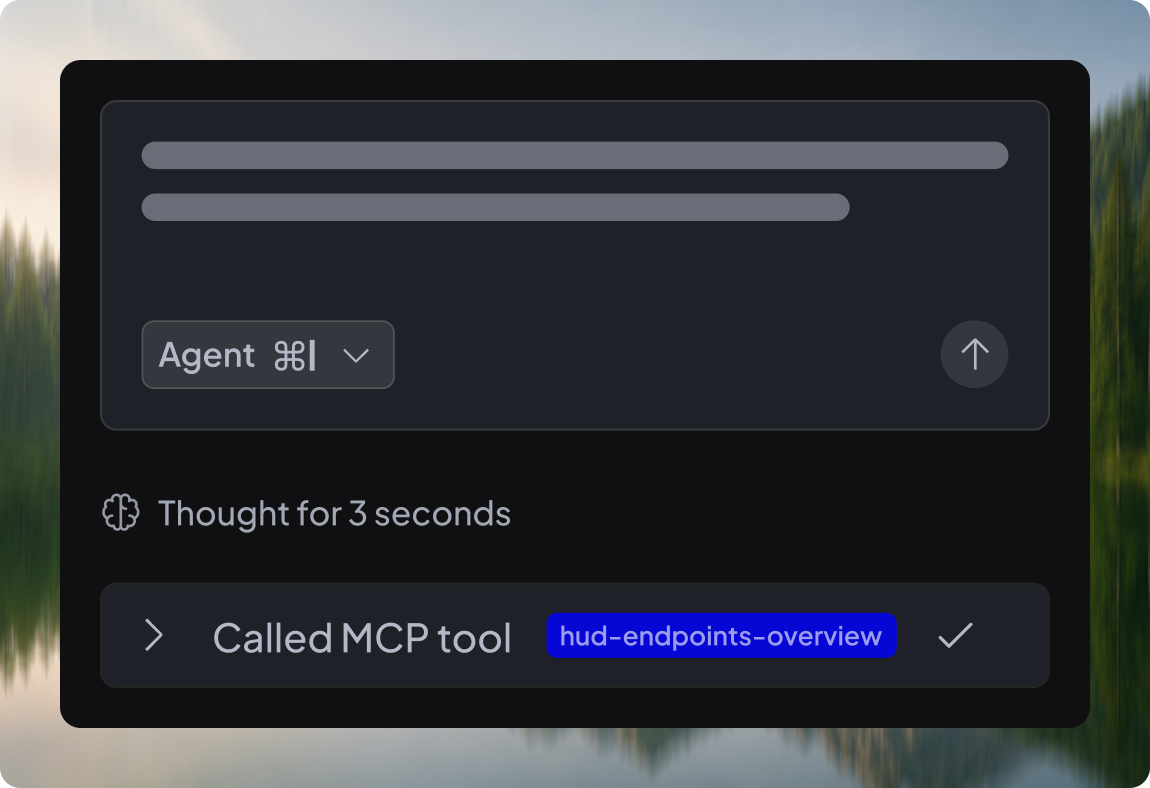
AI coding agents are quickly becoming a new “front door” to developer workflows. But there’s still a big gap between writing code and understanding how this code behaves in production.
Hud exists to close that gap. Our Runtime Code Sensor captures function-level runtime metrics and connects it back to code, deployments, endpoints, and real failures.
Hud built an MCP almost as soon as the protocol existed. Our first version did the job for the common workflows: pull recent errors, check endpoint health, and answer straightforward “what happened?” questions from production. But as coding agents became part of everyday development, the questions got more ambitious. Users wanted to slice by any dimension, compare time windows, correlate durations to memory and CPU data, and keep drilling until a sufficient answer is found.
Our original MCP wasn’t built for that level of flexibility, so we built a new one designed for “ask anything” production analysis.
The foundation: let the agent query Hud’s data freely
When you build an MCP, it’s tempting to treat it like an API: define a set of tools, each one returning a specific answer. But MCP isn’t an API surface – it’s an interface for reasoning. Agents don’t just fetch a single piece of data; they iterate, refine, and connect signals across multiple dimensions. If the MCP is limited to a fixed menu of narrow tools, it breaks exactly when production gets interesting.
We went in the opposite direction and leaned into what coding agents are already good at: writing queries. Instead of inventing a proprietary filtering language the model has never seen, we used something universal and composable: SQL.
Under the hood, we created a curated database layer that reflects the core entities our sensor collects and the relationships between them. Then we exposed a single foundational MCP tool: hud-query. It receives a SQL query and returns the results.
That choice unlocked two things at once. It removed the need for us to predict every question ahead of time, and it gave the agent a familiar interface it can reason about, refine, and debug. If the data exists, the agent can reach it.
The second layer: schema, semantics, and “how to use Hud data correctly”
Flexibility only works if the agent understands what it’s looking at. Hud’s runtime data isn’t generic logs or a tracing export. It’s a unique structured view of production execution: function-level behavior, endpoint performance, correlated errors, deployment context, and deep forensics payloads when things go wrong.
That meant we couldn’t just hand over table names and column types. The agent needs the mental model: what the entities are, how they connect, how time resolution works, and what “correct aggregation” looks like in practice.
So we added hud-get-schema. Despite the name, it’s less of a schema dump and more of an operating manual. It describes the entities, how the data is stored, how to aggregate it safely, and which traps are easy to fall into. It includes a small set of patterns and example queries that reliably work as a starting point.
In practice, hud-get-schema is our agent-facing system prompt for Hud data. It’s the context that helps an agent write correct queries on the first try, and interpret results without guessing.
The top layer: skills that turn data access into investigation workflows
Even with a solid schema guide, there’s a difference between “I can query the data” and “I know how to investigate this incident.” Production debugging has a workflow. You characterize the issue first, compare it against a baseline, narrow down to the highest-impact dimensions, and only then form a hypothesis. When you have forensics, you validate that hypothesis against what actually happened at runtime.
Hud’s data supports many investigation types – endpoint failures, slow endpoints, duration spikes, deployment impact, CPU spikes, memory leaks, and more. We wanted agents to use that power the way an experienced on-call engineer would: structured, methodical, and evidence-driven.
At the same time, we didn’t want to cram every playbook into the initial schema response and pay the context cost every session. So we introduced built-in skills as retrievable guidebooks. Each skill is a focused playbook for a specific investigation type, with an opinionated workflow, query templates, and guardrails that prevent the agent from jumping to conclusions too early.
This is where the MCP stopped being “a database adapter” and started behaving like a domain expert. The agent can load the right skill only when it needs it, then use hud-query to execute the recommended sequence of queries.
It took a few iterations to get this right, mostly because we wanted to fight a common failure mode: agents skipping steps and going straight to a confident-sounding answer. The skills are designed to enforce a more reliable rhythm: describe what’s happening, localize where it’s coming from, validate with forensics, and only then suggest a fix if the data supports it.
Why we chose a hybrid MCP: remote brains, local hands
We also changed how the MCP is delivered. Remote MCPs are great for shipping improvements without forcing developers to constantly update a local package, and we wanted to take advantage of that – schema and skills should evolve quickly, and users should benefit immediately.
But as we built the new system, one constraint dominated the design: Hud data can be large. A single query can return a lot of rows, and getting to an answer often means exploring a few different directions before you know what’s relevant. Shipping all of that through the MCP text channel would waste context on raw output the agent doesn’t need in full. We wanted the agent to spend tokens on reasoning, not on carrying bytes.
So when a result is large, we write it to disk and return a file path. The agent can then use standard shell tools to inspect and filter the data, and only bring the relevant parts back into context. We use the same approach for Forensics: when Hud attaches a detailed JSON payload, we store it locally and let the agent extract just what it needs instead of dumping the entire blob into the response.
The result is a hybrid: the cloud side owns the evolving tool definitions, schema docs, and skills, while the local side gives us file I/O and a smoother workflow for large outputs.
Optimizing for reliability, not just impressive demos
Our first tests were solid, but not consistently great. We treated this like a real product surface and measured it accordingly. We tracked response quality and correctness, how many tool calls it took to reach a good answer, and the SQL error rate.
Early on, the SQL error rate was around 50%. Agents can usually recover by retrying, but that’s friction – and it erodes trust. We improved the schema guidance, tightened skill instructions, added more “known-good” query templates, and shaped the database layer to be more agent-friendly. Over time, that brought the error rate down to under 5% and made investigations noticeably smoother.
But SQL correctness was only part of the picture. We built a suite of evals based on real production issues we encountered while dogfooding Hud itself – not just the MCP. These evals go beyond query validity – they test whether the agent follows a correct investigation flow, reasons about the data properly, and arrives at the right conclusions. They give us a way to detect regressions, compare different approaches, and optimize the MCP in a quantitative, repeatable way.
The constraint that shaped everything: work across every model and every agent
If you’re building a single agent, you pick a model and optimize around it. With MCP, you don’t get that luxury. Your users show up with different agent behaviors, different rules, and different models, from “best-in-class” to “good enough”.
That forced us to design for robustness. The schema response had to be clear even for less capable models. Skills had to be explicit enough to guide tool usage without being fragile. The file-based approach had to keep large data practical without relying on any one agent’s internal heuristics.
The goal was simple: it shouldn’t only work when everything is perfect. It should work when the setup is average – because that’s how most developers experience these tools in practice.
What’s next?
We’ve shipped the new MCP, and we’re already seeing it do what we hoped: agents can pull real answers from production data and stay on track, even when the question evolves and the path isn’t obvious.
But answering questions is just the first step. Today, the MCP is a powerful, user-triggered interface – you ask, the agent investigates. That remains core to the experience. What we’re building next is an extension of that model: moving from on-demand analysis to continuous, proactive remediation.
Hud already detects issues in production: regressions over time, post-deployment degradations, latency and error threshold breaches. We’re extending this pipeline beyond detection. Instead of stopping at an alert, the system will automatically investigate the issue, follow the same structured workflows we’ve encoded in skills, and generate a concrete code fix – proposed directly as a pull request.
This closes the loop from signal to diagnosis to remediation. Not just telling you that something is wrong, but explaining why it happened and suggesting what to change in code – grounded in real runtime evidence.
Our goal is simple: production issues are inevitable – especially as AI accelerates how much code gets written and deployed. The answer is to use that same intelligence, powered by Hud’s runtime context, to fix issues as quickly and correctly as possible.
About authors